Base UI
Brand direction / Robotics data infrastructure
Modern interface. Painterly robotics. Sparse data artifacts.
Bodiment should feel like a precise AI infrastructure company, with Renaissance painting, ASCII, and dither used as a restrained illustration language.
Direction
Move the product shell forward. Keep the art layer selective.
Illustration
Painted robotics as the core style
Use visible brushwork, simplified mechanical forms, and still-life subjects. The robot should feel made of paint, not rendered metal.Data Layer
ASCII and dither as a controlled pass
Dither should dissolve an image edge, shadow, or detection area. It should not become a busy all-over texture.References
Renaissance fragments stay secondary
Use paintings as plates and reference tiles. Avoid turning the whole page into parchment or a museum poster.Settled style
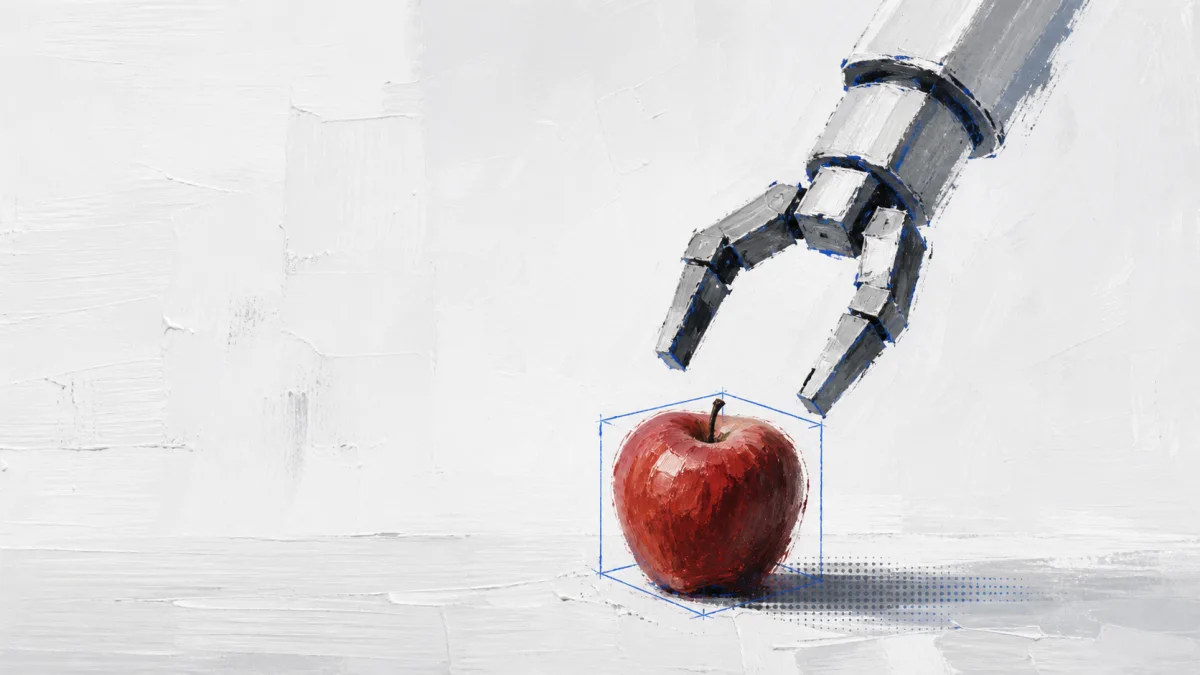
Start from the painted robot/apple language.
This is the clearest Bodiment image style so far: expressive oil-paint strokes, a modern white field, one robotics task, one object, and a light data layer.
Brushwork
Thick white ground, loose gray strokes, simplified robot joints, and a tactile red object.Recognition cue
One cobalt detection line or box is enough. It should read as machine perception, not dashboard decoration.Artifact pass
ASCII/dither belongs near shadows, object edges, or image transitions so it feels like data compression.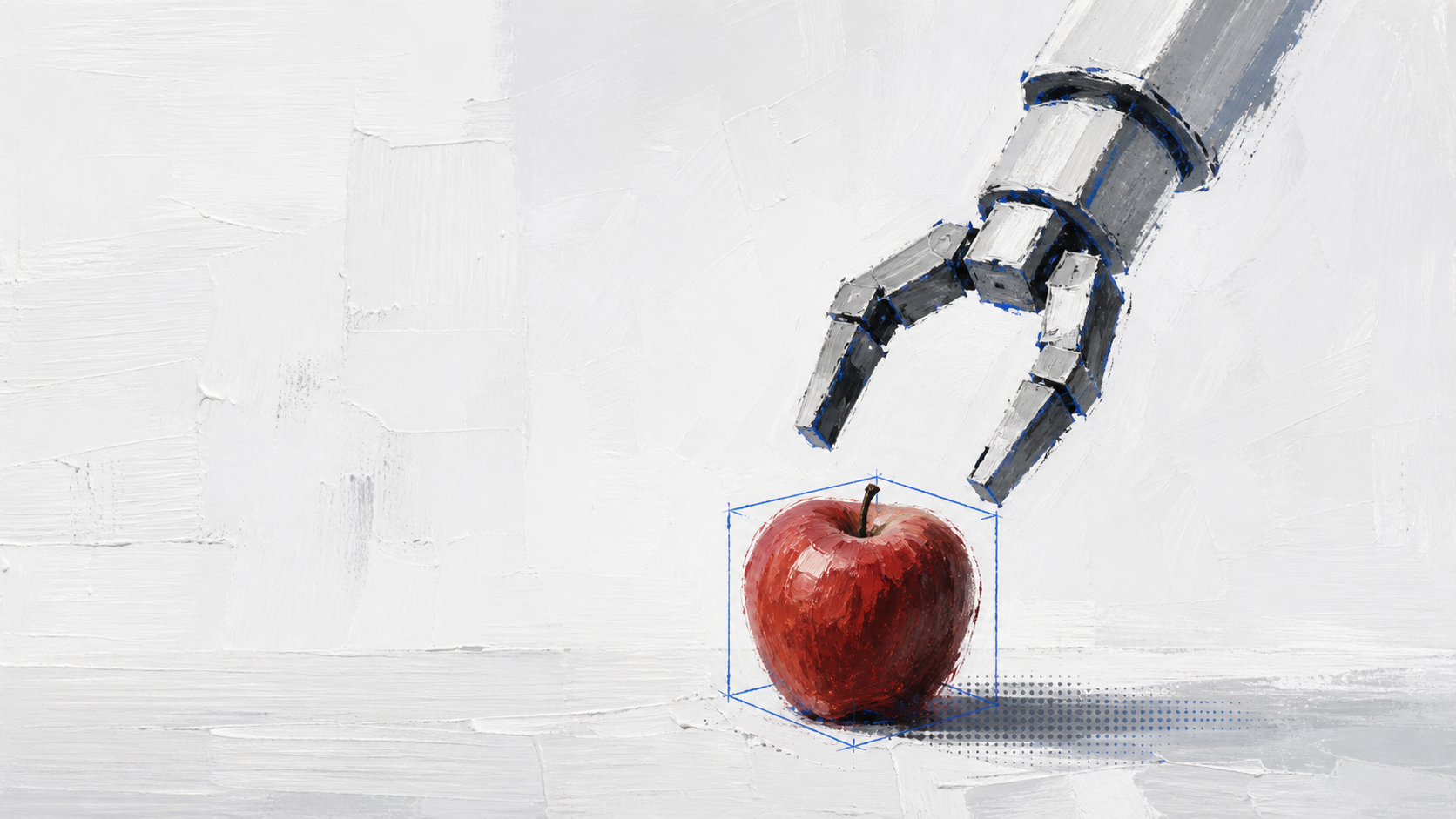
Reference board
Use these as the visual north star.
The painted robot/apple remains the strongest core style. The search, library, and hands references extend that language into product storytelling without adding noise. Hero system
Chosen painting style
Primary direction: painterly robot, clean field, one object, blue recognition cue, restrained artifact layer.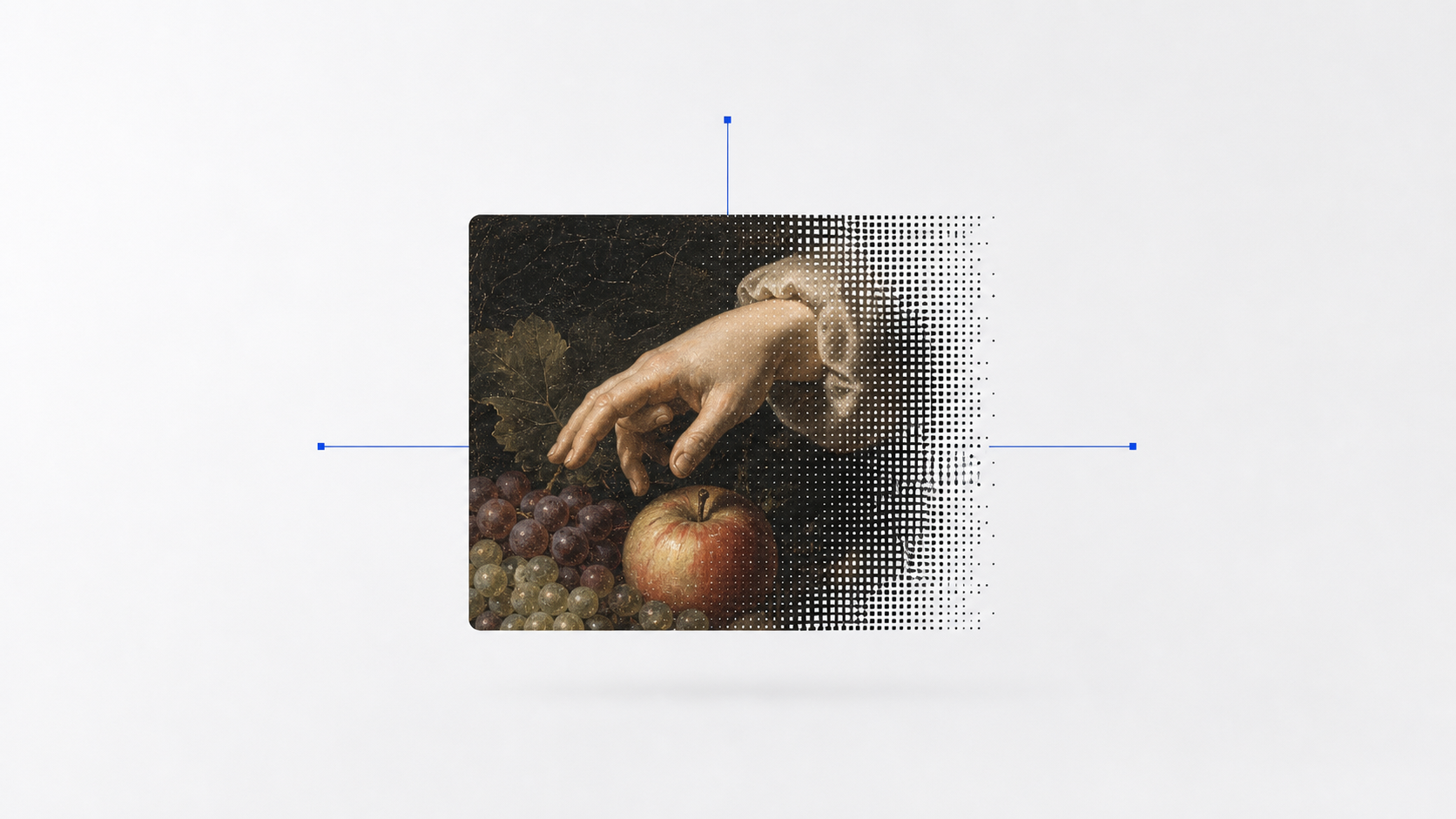
Retrieval system
Context tile with dither edge
Best anchor for dataset search: one tile, one transition, one technical cue.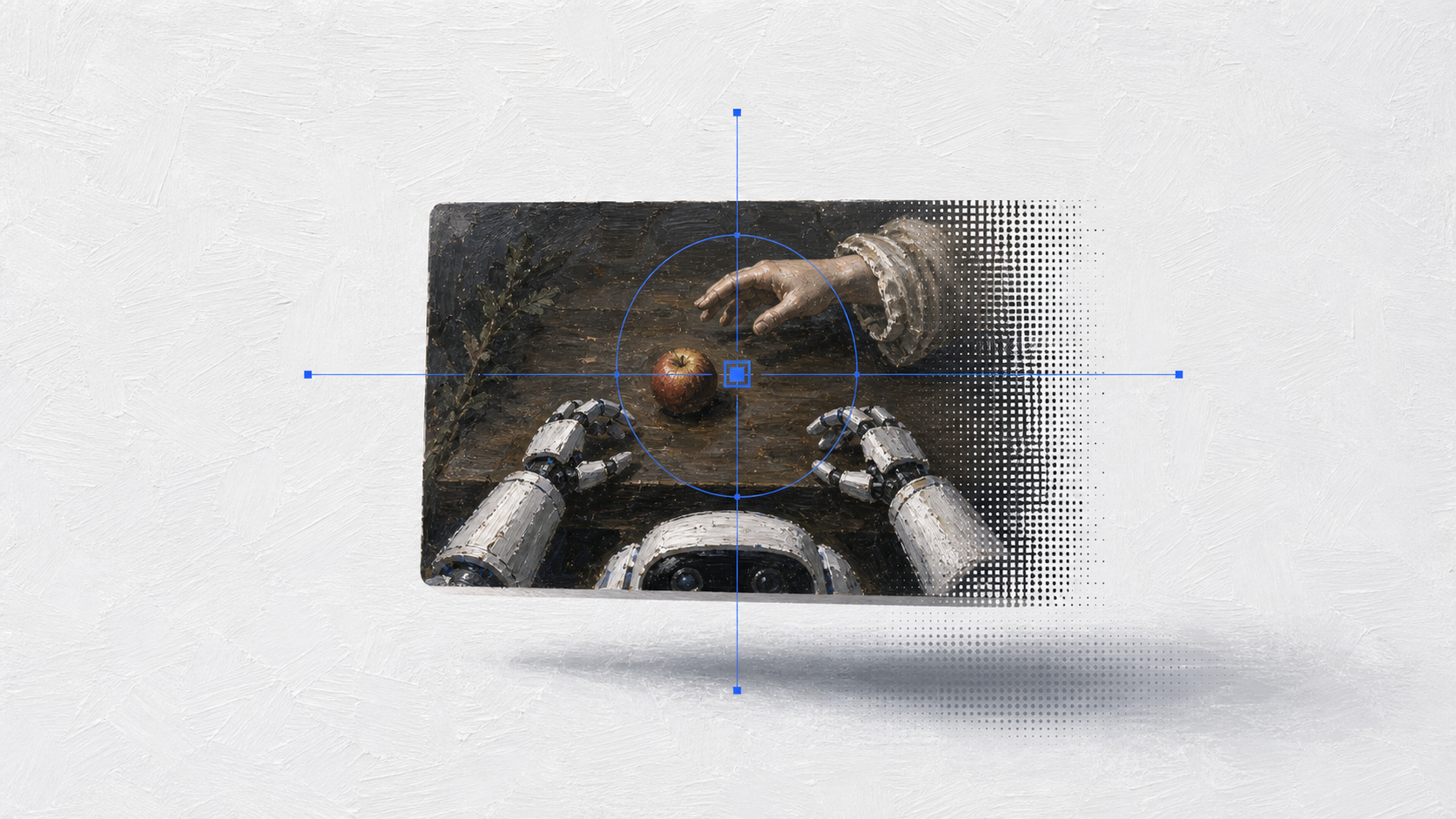
Search system
Visual search tile
Useful for API/search storytelling: one retrieved context tile, a light reticle, and quiet edge artifacts.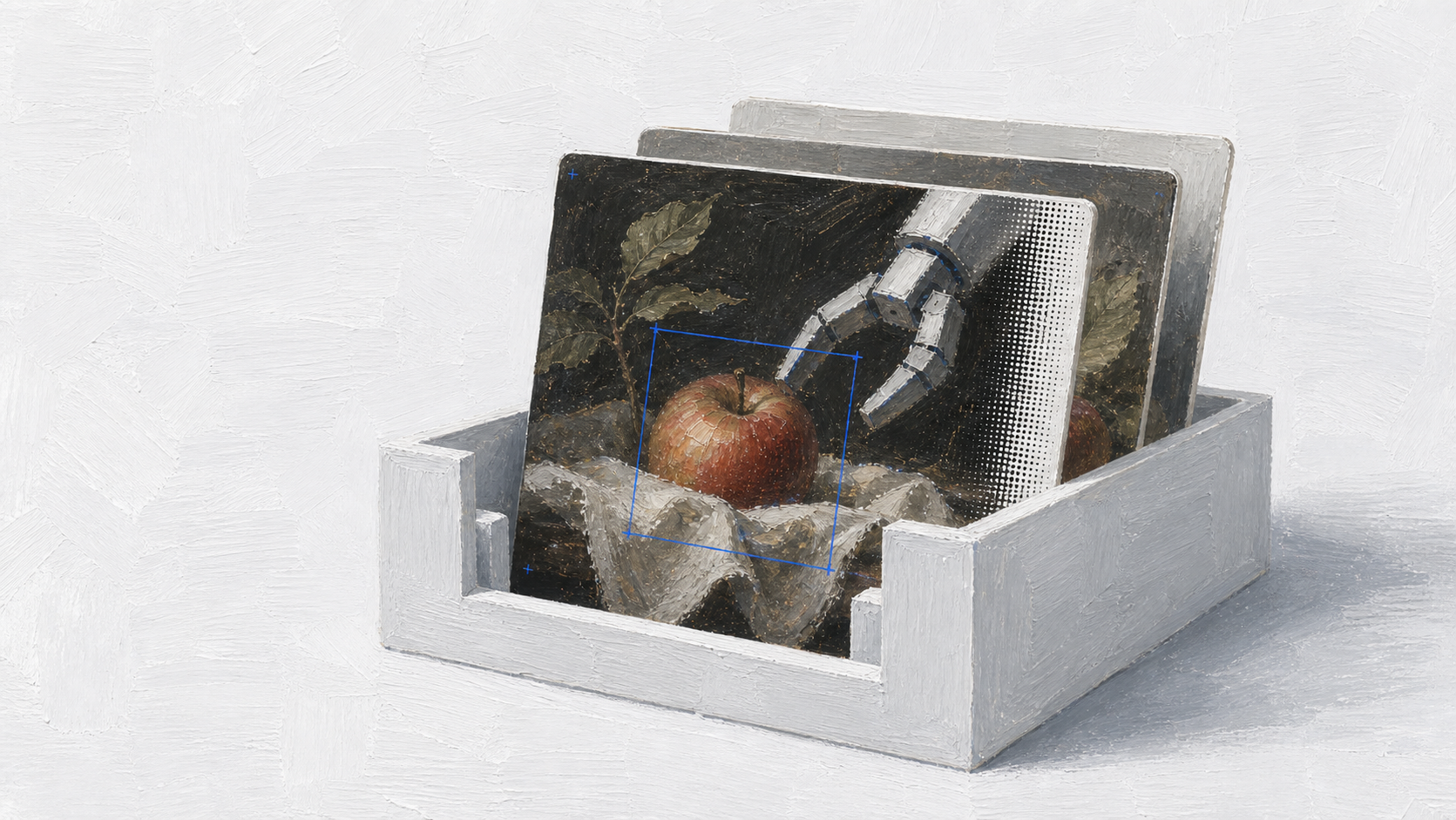
Library system
Dataset archive tray
Good metaphor for Bodiment as a reviewed robotics data library without showing a busy shelf or dashboard.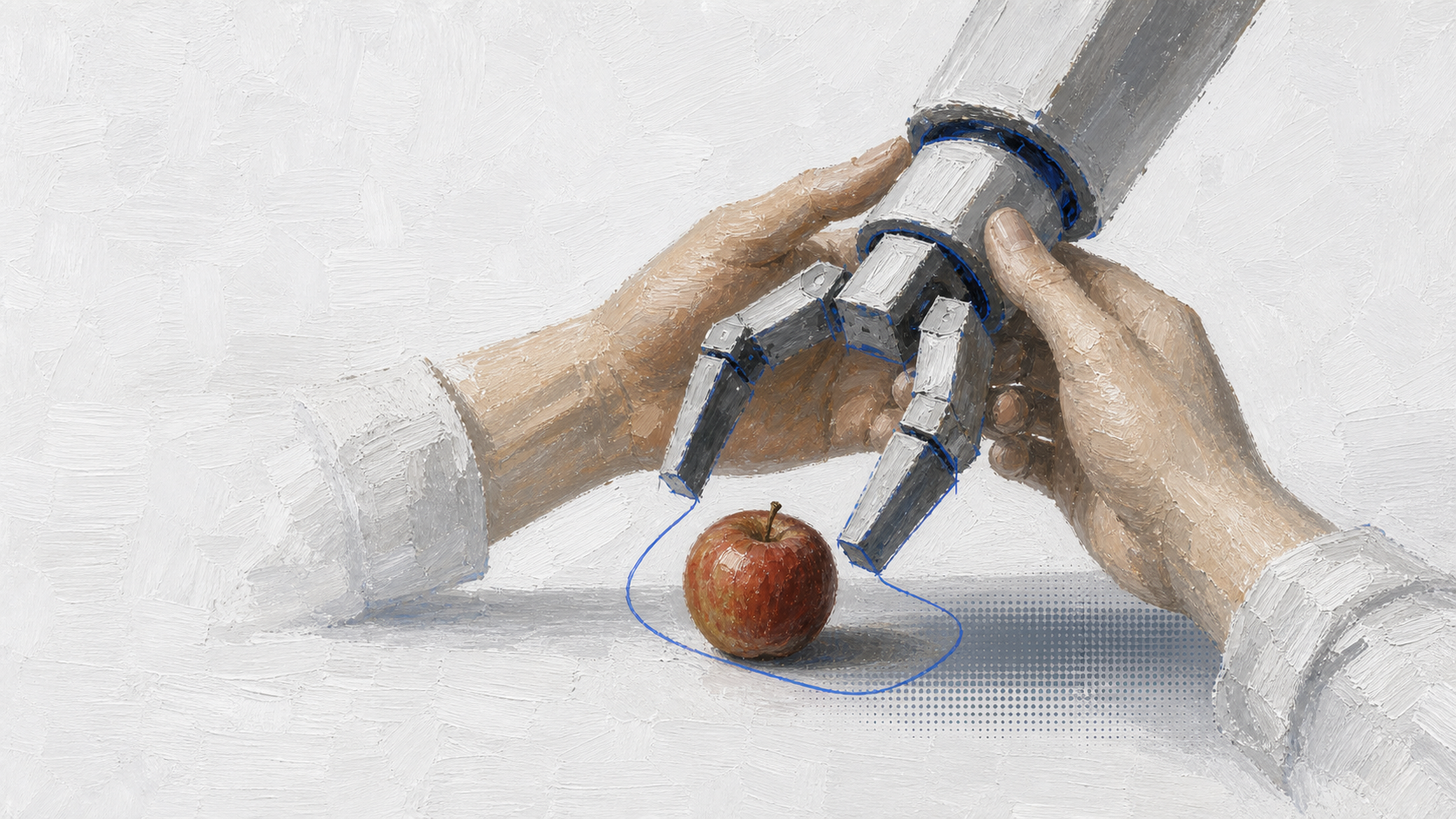
Human operation
Hands guiding robot hands
Connects human demonstrations to robot action while staying painterly and non-photoreal.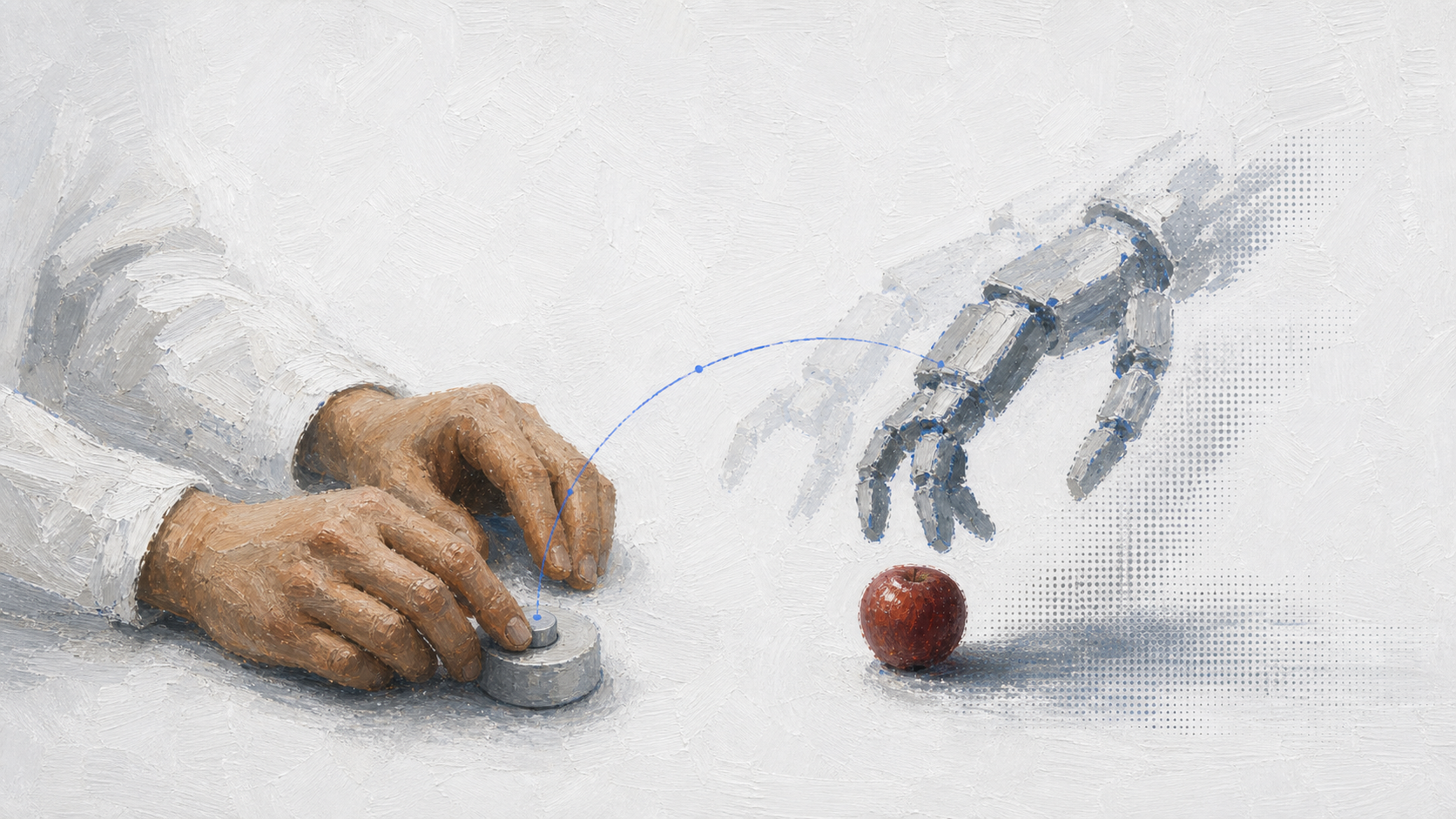
Teleoperation
Human-to-robot motion echo
More symbolic option for human control, motion transfer, and context retrieval.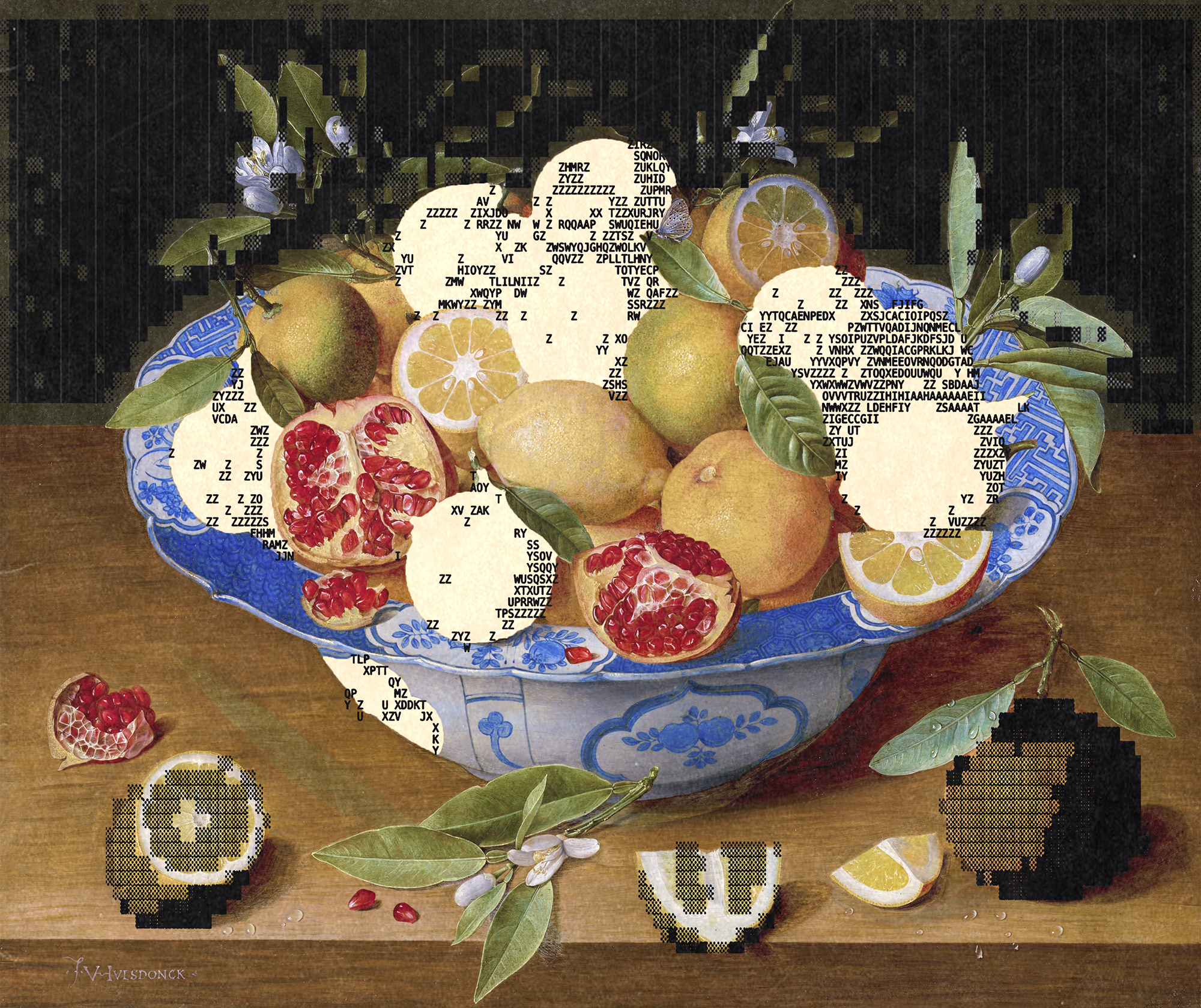
Texture reference
Painting plus ASCII
Use as raw visual language only. The page shell should stay modern.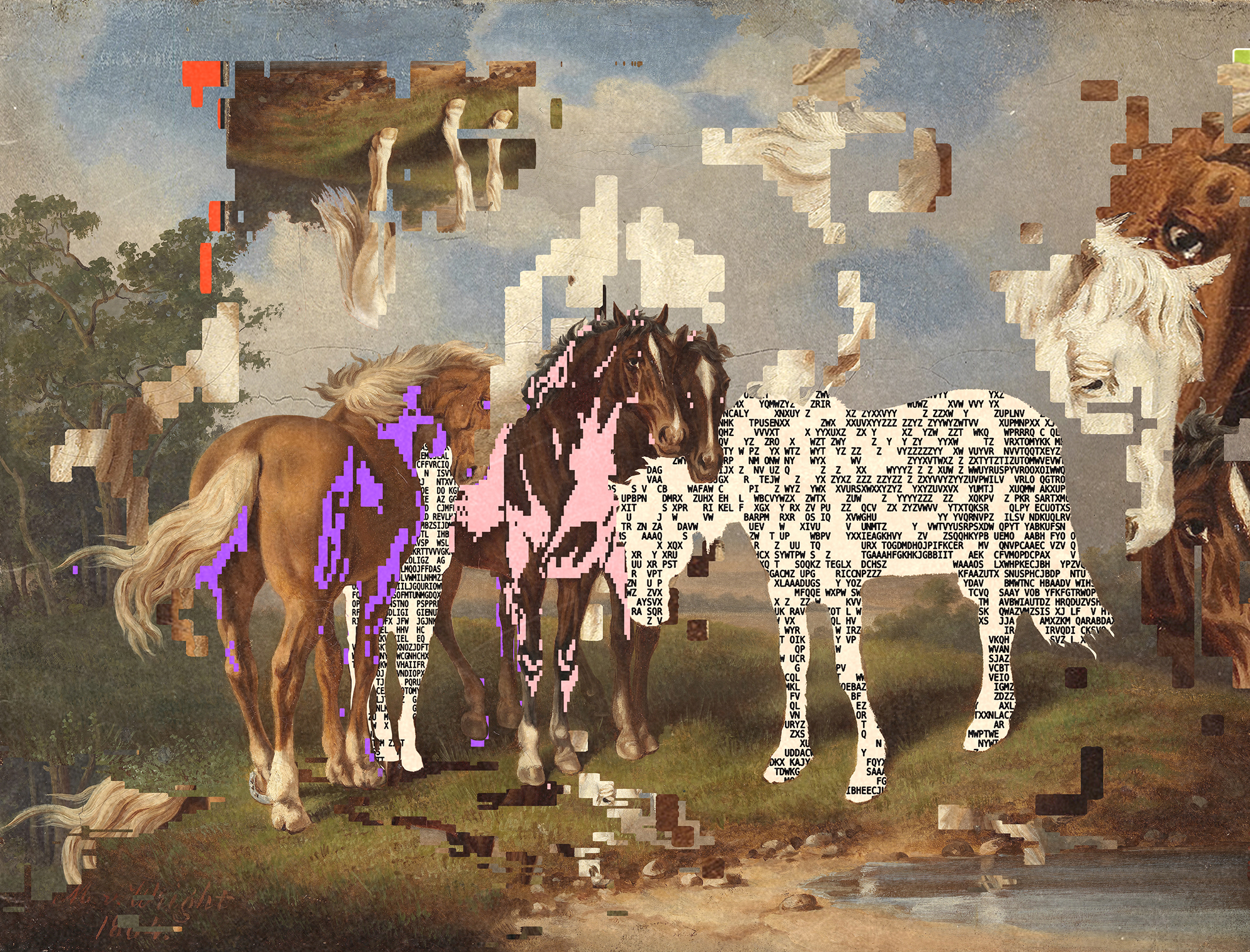
Texture reference
Motion and edge decay
Good for dither placement and artifact density.System
A clean technical base with one expressive layer.
context.search
task: pick up appleDo
- One clear subject per illustration.
- Large negative space around every visual asset.
- Blue geometry limited to detection boxes, handles, and thin connectors.
- Dither appears at image edges, shadows, recognition boxes, or transitions.
- Robot arms rendered as brush-painted forms with simplified joints.
Do not
- No yellow parchment page backgrounds.
- No busy image collages or many floating panels.
- No photoreal robot arms or glossy hardware renders.
- No purple SaaS gradients or decorative blobs.
- No fake interface text inside generated images.
Production system
The assets needed to iterate like one team.
This turns the visual direction into reusable decisions for UI, landing pages, API docs, product screens, and future illustration prompts.Positioning
The context layer for robotics.
Bodiment helps robots retrieve relevant examples from reviewed real-world datasets.Voice
Precise, calm, technical.
No sci-fi hype. No cute robot personality. Explain the task, the evidence, and the API surface.Visual thesis
Painting becomes data.
Human demonstrations, robot actions, and search results appear as painted evidence with sparse machine-vision marks.Tokens
Semantic color roles
--bd-canvas #f7f8fb Page background, not parchment
--bd-surface #ffffff Panels, cards, forms
--bd-marble #e8ebf0 Section bands and quiet dividers
--bd-ink #0b0f19 Primary text and dark actions
--bd-muted #5d6676 Secondary text and metadata
--bd-cobalt #175cff Search, focus, vision geometry
--bd-object-red #b8322a Object signal only, never a theme
--bd-data-green #496b5b Secondary robotics/data state
Typography
Roles, not vibes
Brand display
Context for embodied intelligence. Fraunces / 64-104px / tight line-height / hero onlySection title
Search the physical world by task. Fraunces / 34-72px / product storytellingInterface label
CONTEXT.SEARCH JetBrains Mono / 10-12px / uppercase / cobalt allowedBody
Bodiment returns nearby examples, contact states, and provenance for the robot's current view. JetBrains Mono / 13-16px / calm technical proseCode/API
POST /v1/context/search JetBrains Mono / 12-14px / exact paths and fieldsArtifact kit
Reusable data treatments
Dither edge
Image tile dissolves into data.
ASCII strip
A light compression trail near shadows.
Vision box
One object selection or contact area.
Search reticle
Query focus, not decoration.
Connector line
Current view to retrieved examples.
Scan reveal
Motion layer for loading/search.
Illustration locks
Rules before generation
- One robotics task or one dataset metaphor per image.
- Robot hands are painted, simplified, and non-photoreal.
- Human hands may appear for demonstration, teleoperation, or review.
- Renaissance fragments are references or plates, not backgrounds.
- ASCII/dither is an edge, shadow, or compression artifact only.
- Cobalt geometry marks recognition, retrieval, focus, or connection.
UI kit
Controls and states
reviewed contact
context.search
POST /v1/context/search 0.92 similarity
apple / grasp / table0.87 similarity
contact / cloth / edge0.84 similarity
human demo / reviewedLanding sections
Reusable story blocks
Hero
One painted robot task, one product claim.
Use the approved painting style as the visual anchor with copy on the quiet side of the composition.API Demo
Current view to retrieved examples.
Show one robot camera frame, 2-3 results, and a short request/response block.Library
A searchable archive, not a dashboard collage.
Use plates, trays, and indexed rows to explain dataset coverage and provenance.Proof
Evidence over claims.
Prefer task counts, reviewed episodes, coverage matrices, and example frames over vague brand statements.Product patterns
Ownable robotics UI
Current robot view frameRetrieved example tileTask context panelDetection/contact overlayDataset provenance rowEpisode timelineReview status badgeAPI request/response block
Motion
Functional, quiet, technical
- Dither reveal: 180-260ms, one direction, no looping.
- Cobalt scan: only during search or focus transitions.
- Tile hover: border, reticle, and metadata reveal; no scale bounce.
- API streaming: mono text appears line by line with stable layout.
Brandbook operations
Rules that make the brand repeatable.
These are the missing production rules from the audit: messaging, identity, naming, search anatomy, overlays, prompts, QA, rights, and governance.Positioning
What Bodiment is, and what it is not
Category
Robotics data infrastructure.Audience
Robotics ML, data, and product teams building embodied AI systems.Promise
Give robots the nearest reviewed real-world context before they act.Differentiators
Task-level retrieval, reviewed episodes, provenance, contact-state context, API-first integration.Not
Not a generic vector database, labeling tool, simulator, or robot personality layer.Messaging
Boilerplate
Headlines
Approved directions
- Search the physical world by task.
- Give robots context before they act.
- Retrieve reviewed examples for the robot's current view.
- A context API for real-world robotics data.
- Turn demonstrations into searchable robot context.
CTA language
Action verbs
Search contextView dataset coverageTalk to engineeringRequest examplesOpen API docs
Voice
Before / after
Before
Robots that understand anything.After
Retrieve similar reviewed episodes for the robot's current task.Before
Magic memory for robot brains.After
Search task, object, contact, and provenance metadata from real-world datasets.Before
Your cute robot assistant now sees the world.After
Return relevant context for the robot's current camera view.| Claim | Required Proof |
|---|---|
| Relevant examples | Show ranked result tiles with similarity, task, object, and contact metadata. |
| Reviewed data | Show review status, consent/provenance row, and accepted episode count. |
| API-first | Show exact endpoint, compact request body, latency/index state, and response preview. |
| Real-world context | Show current robot view next to retrieved physical-world examples. |
Identity
Logo usage rules
- Use the full wordmark in navigation, decks, launch assets, and investor/customer materials.
- Use the mark alone only for favicon, social avatar, compact app chrome, or dense UI.
- Maintain clear space equal to one mark height on every side.
- Minimum digital mark size is 24px; minimum wordmark height is 28px.
- Use ink on light surfaces and reversed white/cream on dark artwork.
Identity
Misuse
- Do not stretch, rotate, outline, add dither, or place inside a decorative shape.
- Do not recolor outside approved ink, white, or cobalt-accent lockups.
- Do not place the mark over busy generated artwork without a clean backing field.
- Do not use the mark as an app icon until an outlined production icon set exists.
| Name | Rule |
|---|---|
Bodiment | Company and platform name. Never shorten to Bodi in public copy. |
Context API | Product surface for programmatic retrieval. Use in prose and sales materials. |
context.search | Endpoint/action name. Keep monospace and exact. |
Dataset Library | Searchable archive of reviewed episodes and examples. |
Review Console | Operational review surface. Do not rename per campaign. |
| Brand Token | Value | Maps To | Implementation Note |
|---|---|---|---|
--bd-canvas | #f7f8fb | New canonical; replaces parchment light surfaces. | Add to tokens.css as light brand base. |
--bd-surface | #ffffff | --modern-shell / panel surfaces | Cards, forms, docs blocks. |
--bd-marble | #e8ebf0 | --modern-bg-end / quiet dividers | Section bands and low-emphasis fills. |
--bd-ink | #0b0f19 | --modern-ink | Primary text and dark CTAs. |
--bd-muted | #5d6676 | --modern-muted | Metadata and secondary text. |
--bd-cobalt | #175cff | --modern-accent | Search, focus, and machine-vision geometry. |
--bd-radius | 8px | --modern-pod-radius clamp | Max card/control radius for product surfaces. |
--bd-focus | 2px #175cff | Focus-visible outline | Every interactive control needs visible focus. |
Foundations
Spacing, focus, motion
Spacing
4px base grid; section rhythm 64/96/128px; controls 8/12/16px.Radius
8px max for cards and panels; pills only for tags, CTAs, and filters.Line
1px #d9dee8 default; cobalt only for focus, search, and selected state.Shadow
Use sparingly: large soft shadows only behind primary product specimens.Motion
180-260ms functional transitions; no looping decorative motion.Responsive
Viewport acceptance
- Touch targets are at least 40px high; preferred target is 44px.
- Hero images keep the task object and robot hand inside the right 60% safe crop.
- Long labels wrap before overflow; never shrink text with viewport units.
- Fixed-header anchors need scroll-margin-top so section titles are not hidden.
- Mobile navigation may prioritize References, Production, and Assets, but all sections remain reachable by scroll.
| Component | Variants | States | Production Rule |
|---|---|---|---|
| Buttons | Primary, secondary, text, icon | default, hover, focus, active, disabled, loading | Primary action should be singular per section. |
| Forms | input, textarea, select, checkbox, toggle | default, focus, error, success, disabled | Labels stay visible; errors include recovery text. |
| Tabs | content tabs, segmented filters | selected, focus, disabled | Must include panels and keyboard behavior in production. |
| Cards | reference, result, metric, proof | default, hover, selected, empty | Cards are for repeated items, not nested page sections. |
| Tables | asset, dataset, provenance | sorted, empty, loading, error | Use native tables for structured data. |
| Feedback | toast, inline alert, empty state, skeleton | info, success, warning, error | Keep tone factual and low-drama. |
| Code blocks | request, response, endpoint | copy, copied, error | Endpoint names are exact and monospace. |
Robotics search
Anatomy checklist
- Current robot view frame
- Task query and object target
- Robot/environment metadata
- Top-K setting and index readiness
- Ranked results with similarity score
- Keyframes and contact overlays
- Episode timeline and provenance row
- Review status and export/API action
- Latency, no-results, and error states
Search states
Required states
Ready
Show index age, query affordance, and example coverage.Searching
Use one cobalt scan line or skeleton rows; preserve layout height.No results
Explain what failed and suggest task/object/environment relaxation.Error
Name the failing service or upload issue and provide a retry path.Selected
Use cobalt outline, provenance row, and action affordance.| Overlay | Meaning | Visual Spec | Accessible Equivalent |
|---|---|---|---|
| Detection box | Object selection | 1px cobalt rectangle, no fill | Object name in adjacent metadata, not inside image. |
| Contact line | Grasp/touch area | 1px cobalt or muted green contour | Contact state appears in result row. |
| Trajectory arc | Motion intent | Thin cobalt arc, max one per image | Describe in caption or metadata. |
| Dither edge | Image becoming searchable data | Black/gray dots at one edge only | Decorative if not conveying state. |
| Reticle | Query focus | Cobalt crosshair, no more than one | Pair with query label nearby. |
| Connector | Current view to examples | Thin cobalt line, max three branches | Result order remains visible in DOM. |
| Use Case | Approved Copy | Layout | Guardrail |
|---|---|---|---|
| Homepage hero | Search the physical world by task. | Painting right, headline left, one CTA pair. | No collage of floating result panels. |
| API docs hero | Retrieve reviewed examples for a robot's current view. | Code block plus one context tile. | No vague platform claims. |
| Sales deck cover | The context layer for robotics. | Mark, headline, one hero painting. | No decorative parchment texture. |
| Blog/social cover | Use exact article topic, not brand slogan. | One image tile plus dither edge. | No fake UI text in generated imagery. |
| Product screenshot | Show task, result score, and provenance. | Current frame plus ranked result rows. | No unreadable tiny interface labels. |
Painted robotics hero
Oil-painted simplified robot hand performing [task] with one [object] on a clean white and pale gray field. Visible brushwork, non-photoreal mechanical joints, one cobalt detection line around the object, sparse black ASCII/dither near the shadow edge, large negative space, no labels, no fake UI text.Dataset/search tile
One painted image tile showing [human/robot interaction] as a reviewed dataset example. Clean white product-site composition, one cobalt reticle or connector, dither dissolving only one edge, no collage, no dashboard, no readable generated text.Negative prompt
Avoid photoreal robot hardware, glossy 3D renders, yellow parchment, beige-dominant backgrounds, busy collages, purple gradients, cartoon faces, humanoid robots, fake UI labels, watermarks, private dataset frames, and third-party artwork without rights.Post-processing
If the image is accepted, add dither/ASCII as a page-layer or asset-layer treatment near the shadow/contact edge. Keep density under 20% of the visual area and avoid covering the subject.QA gate
Pre-release checklist
- Text and controls meet WCAG AA contrast; small uppercase labels are tested at mobile sizes.
- Every interactive control has visible focus, keyboard access, and non-hover state.
- Decorative images are hidden from assistive tech; informative images have specific alt text.
- Search/loading/status changes use stable layout and aria-live where dynamic.
- Reduced-motion mode removes scan/reveal animation.
- Desktop, tablet, and mobile screenshots are checked before publishing.
- All public asset links resolve; images are optimized; social previews use approved OG artwork.
- Generated imagery has source prompt, date, rights/provenance note, and approved use.
Governance
Ownership and review
Owner
Design/Marketing owns visual identity; Product owns technical claims; Engineering owns implementation tokens.Approval
Public pages, launch assets, customer decks, and ads require design plus product review.Versioning
Brand assets use dated releases; deprecated assets stay documented for one release cycle.Cadence
Review quarterly and before major launches, API positioning changes, or model/dataset releases.Legal
No private dataset frames, identifiable people, or third-party artwork without documented rights.Asset release
What is still missing
- Outlined SVG/PDF/PNG logo variants for production environments.
- Dedicated favicon, mask icon, and social avatar exports.
- Optimized `srcset` derivatives for large reference PNG/JPG assets.
- Token exports in CSS, JSON, Figma variables, and Tailwind mapping.
- One downloadable brand asset archive per dated release.
Palette
Replace yellow paper with cool white, gray, ink, and cobalt.
Canvas
#f7f8fb
Primary page backgroundSurface
#ffffff
Panels and image fieldsMarble
#e8ebf0
Section bands and dividersInk
#0b0f19
Text and primary actionsCobalt
#175cff
Vision geometry and linksSignal Red
#b8322a
Apple/object accent onlyMuted Green
#496b5b
Secondary data accentsAsset library
Authoritative brand asset inventory.
Approved assets can ship today. Exploration and legacy assets must be reviewed before use in new public surfaces.| Asset | Type | Status | Approved Use | Source / Rights | Path |
|---|---|---|---|---|---|
| Bodiment mark | SVG | Approved | Compact mark, favicon source, app chrome | Static SVG / Owned | /brand/bodiment-mark.svg |
| OG social card | WEBP | Approved | OpenGraph fallback for marketing pages | Generated from painted robot/apple / Owned/generated | /brand/og-card.webp |
| Painted robot apple reference | PNG | Approved | Canonical painting style and hero direction | Generated reference / Owned/generated | /brand/references/bodiment-reference-painted-robot-apple.png |
| Context tile reference | PNG | Approved | Retrieval tile and dither-edge reference | Generated reference / Owned/generated | /brand/references/bodiment-reference-context-tile.png |
| Visual search tile reference | PNG | Exploration | Search/reticle storytelling | Generated reference / Owned/generated | /brand/references/bodiment-reference-search-tile.png |
| Dataset archive tray reference | PNG | Exploration | Dataset library metaphor | Generated reference / Owned/generated | /brand/references/bodiment-reference-library-tray.png |
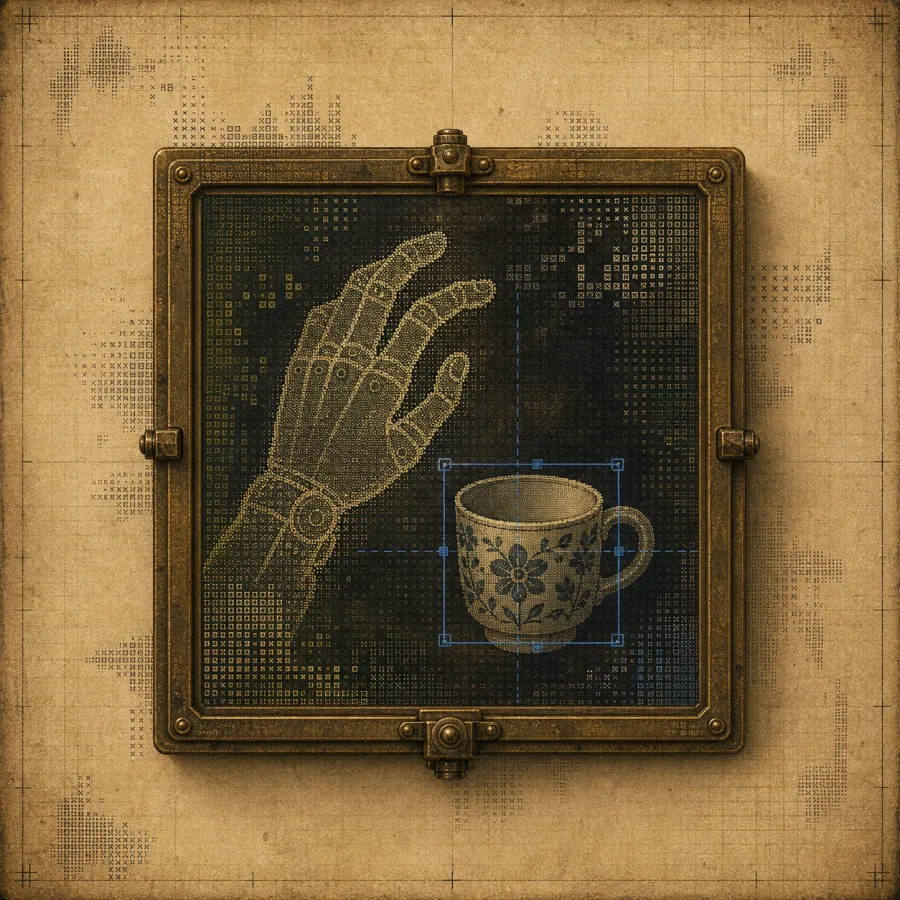
| Human robot hands reference | PNG | Exploration | Human demonstration / teleoperation | Generated reference / Owned/generated | /brand/references/bodiment-reference-human-robot-hands.png |
| Teleoperation hands reference | PNG | Exploration | Human-to-robot motion metaphor | Generated reference / Owned/generated | /brand/references/bodiment-reference-teleoperation-hands.png |
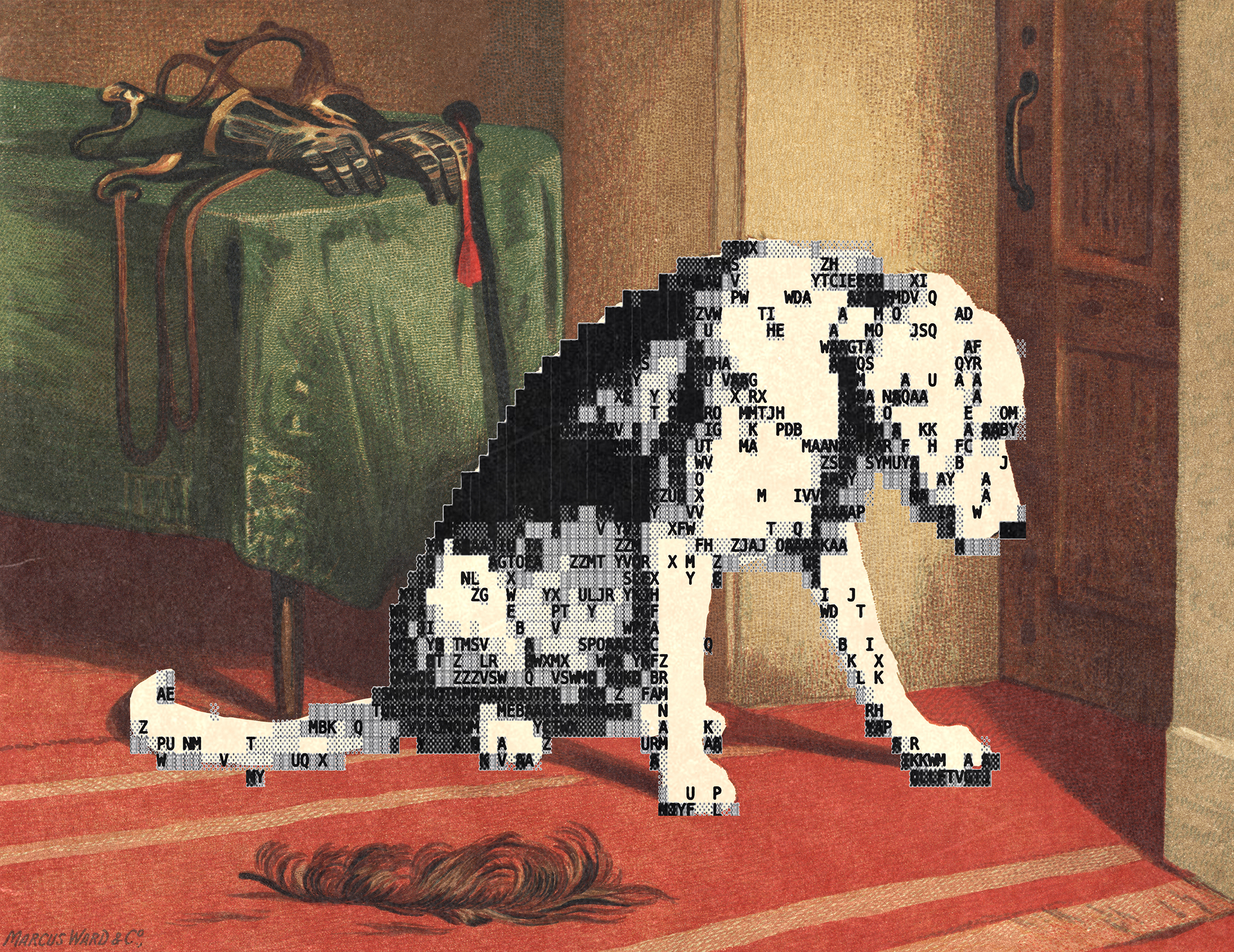
| Painting ASCII reference | JPG | Reference | Dither density and edge language only | Local reference / Reference only | /brand/references/painting-ascii-elements.jpg |
| Horse ASCII reference | JPG | Reference | Motion/edge decay reference | Local reference / Reference only | /brand/references/horse-ascii-elements.jpg |
| Hound ASCII reference | JPG | Reference | Legacy texture reference | Local reference / Reference only | /brand/references/hound-ascii-elements.jpg |
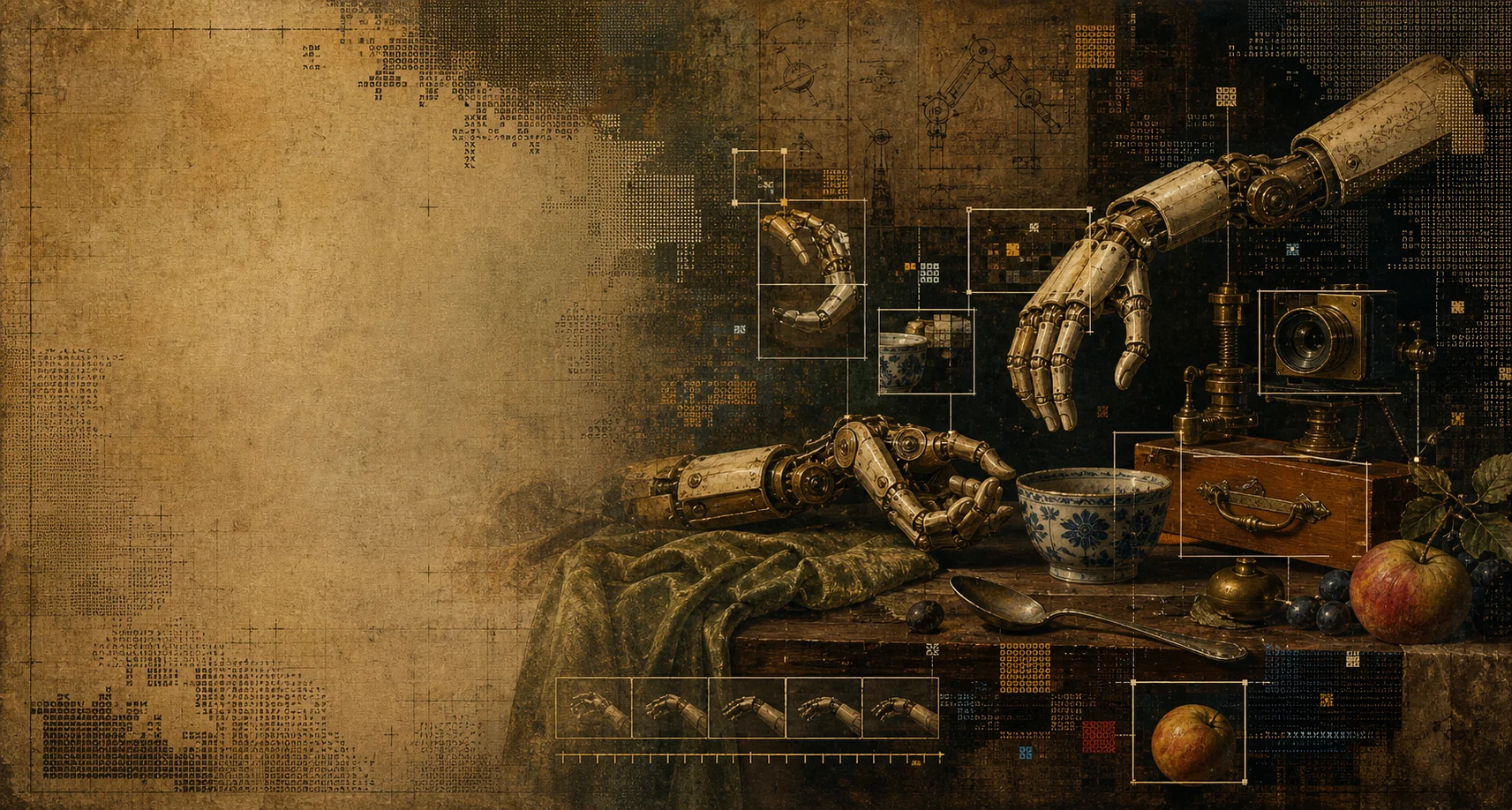
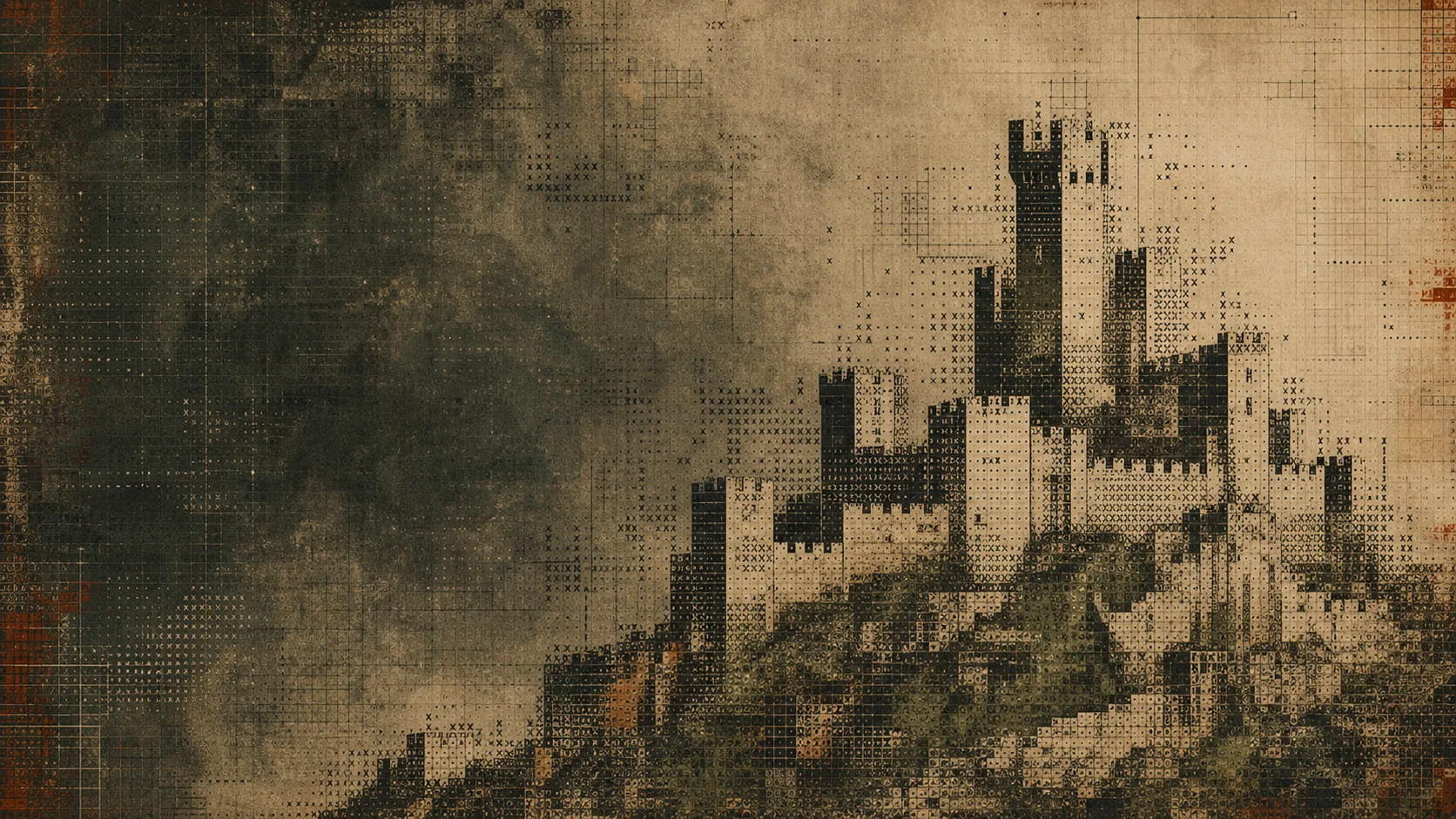
| Renaissance robotics hero | WEBP | Legacy | Older dark/paper hero direction | Generated static / Owned/generated | /brand/robotics-data-hero-renaissance-ascii.webp |
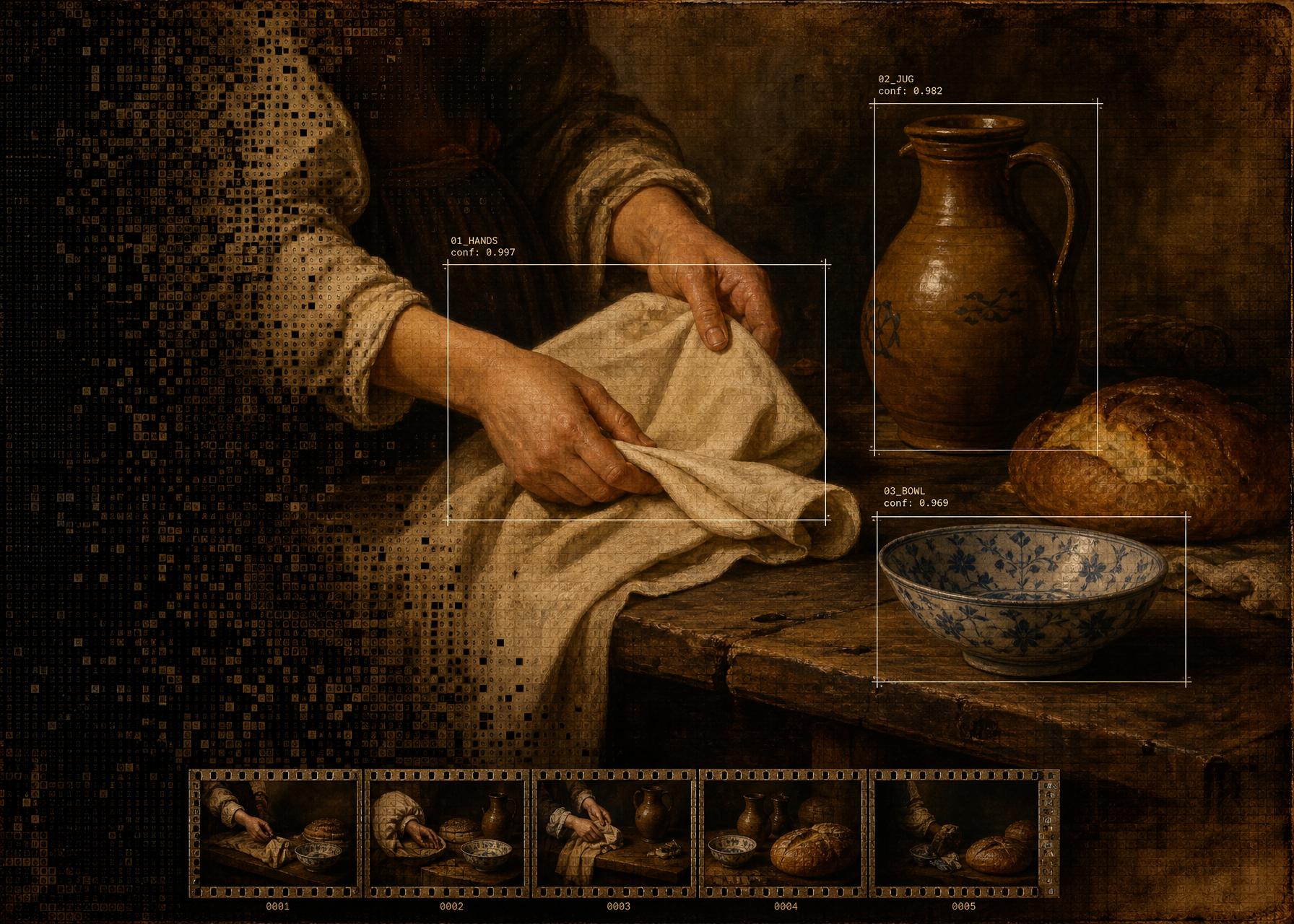
| Human hands Renaissance image | WEBP | Legacy | Older human-data illustration | Generated static / Owned/generated | /brand/robotics-human-hands-renaissance-ascii.webp |
| Workflow assign tasks | WEBP | Approved | Workflow card | Generated static / Owned/generated | /brand/robotics-workflow-assign-tasks.webp |
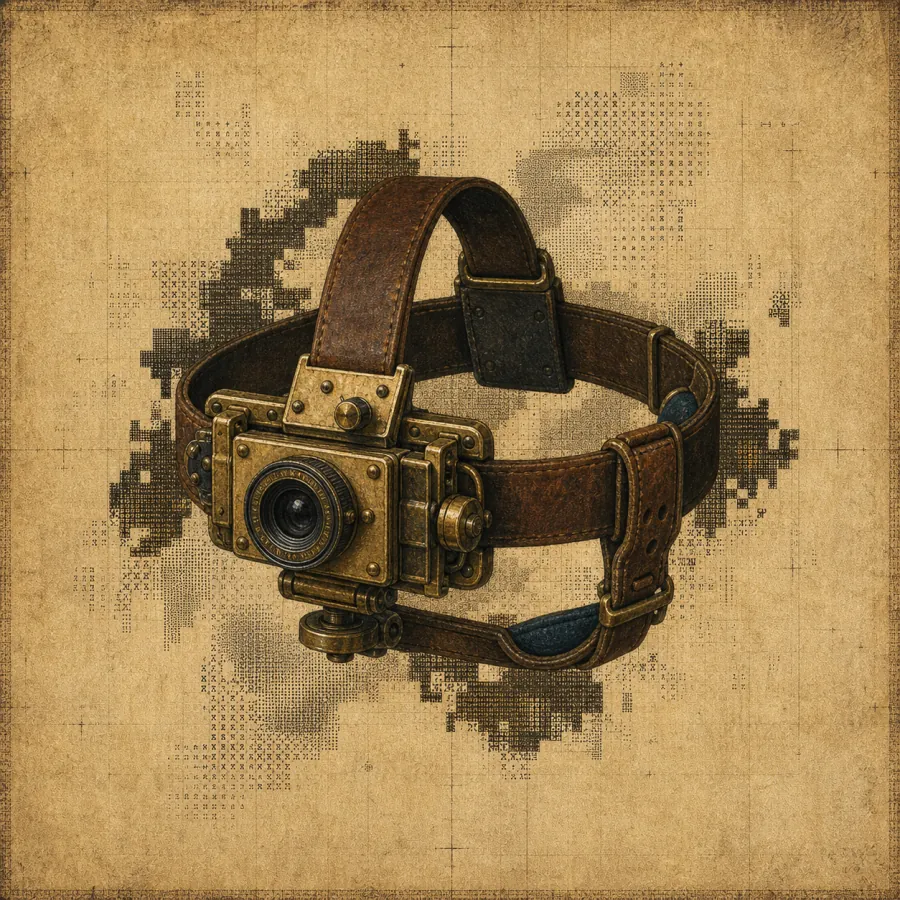
| Workflow capture ego video | WEBP | Approved | Workflow card | Generated static / Owned/generated | /brand/robotics-workflow-capture-ego-video.webp |
| Workflow process labels | WEBP | Approved | Workflow card | Generated static / Owned/generated | /brand/robotics-workflow-process-labels.webp |
| Workflow review export | WEBP | Approved | Workflow card | Generated static / Owned/generated | /brand/robotics-workflow-review-export.webp |
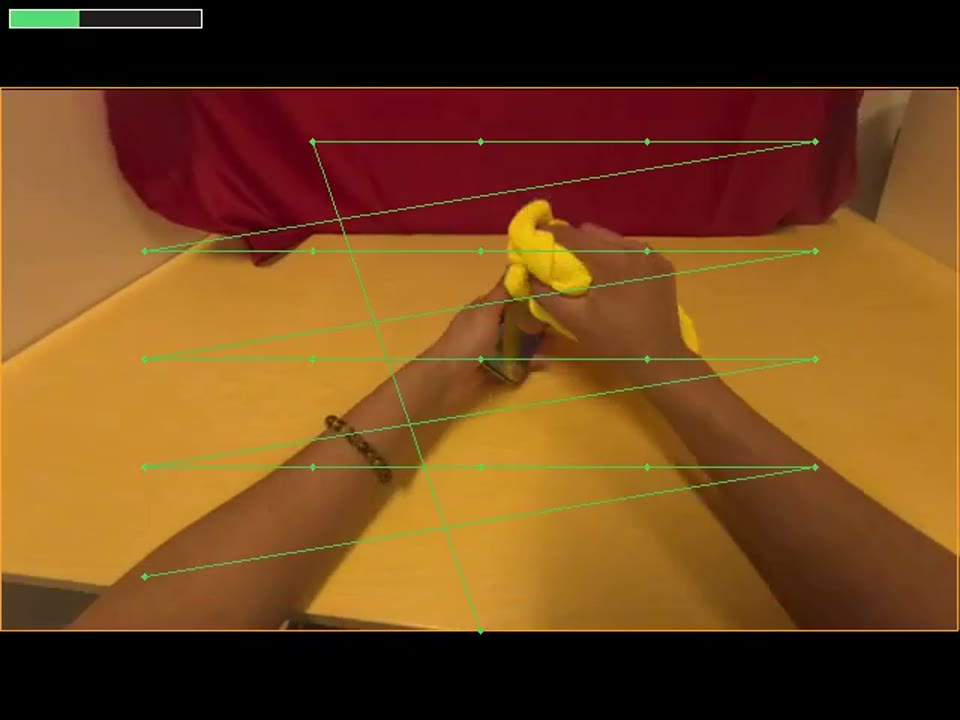
| VLA wipe raw video | MP4 | Product evidence | Raw robotics video demo | Captured/demo video / Internal | /brand/vla-wipe-screen-raw.mp4 |
| VLA wipe overlay video | MP4 | Product evidence | Overlay robotics video demo | Captured/demo video / Internal | /brand/vla-wipe-screen-overlay.mp4 |
| VLA wipe posters | JPG | Product evidence | Video poster | Video export / Internal | /brand/vla-wipe-screen-overlay-poster.jpg |
| VLA wipe metadata | JSON | Product evidence | Video stage/quality overlays | Demo metadata / Internal | /brand/vla-wipe-screen-stages.json |
| ASCII backgrounds | PNG | Legacy | Dark ASCII texture family | Generated static / Owned/generated | /brand/ascii-wave-dark.png |
| Auth ASCII background | WEBP | Legacy | Older auth/landing texture | Generated static / Owned/generated | /brand/auth-ascii-castle-bg.webp |